
xx600 Bangladesh – Live Casino, Slots and Sports Betting with bKash, Nagad and Rocket
xx600 puts live casino tables, fan-favourite slots and cricket-led sports betting in one lobby — funded directly from your bKash, Nagad or Rocket wallet with no extra steps.

Bangladesh payment context
bKash, Nagad, Rocket bKash, Nagad, Rocket and bank-transfer context is covered where access is allowed.

Built for phones, clear on desktop
Cards, tables, FAQ and policy pages stay easy to read on smaller screens.
xx600 · Bangladesh
Service availability depends on eligible regions and local law. Users should check local rules before opening an account.

Everything xx600 Has, in One Place
From live baccarat and Dragon Tiger tables to crash games and slots from Pragmatic Play and PG Soft — the lobby is organised so you switch between sections without losing your place.
Play on Any Screen You're Using
The lobby works on your phone, tablet and desktop browser — live tables, slots and the sportsbook all load at full functionality whichever screen you pick up first.


Offers for New Accounts
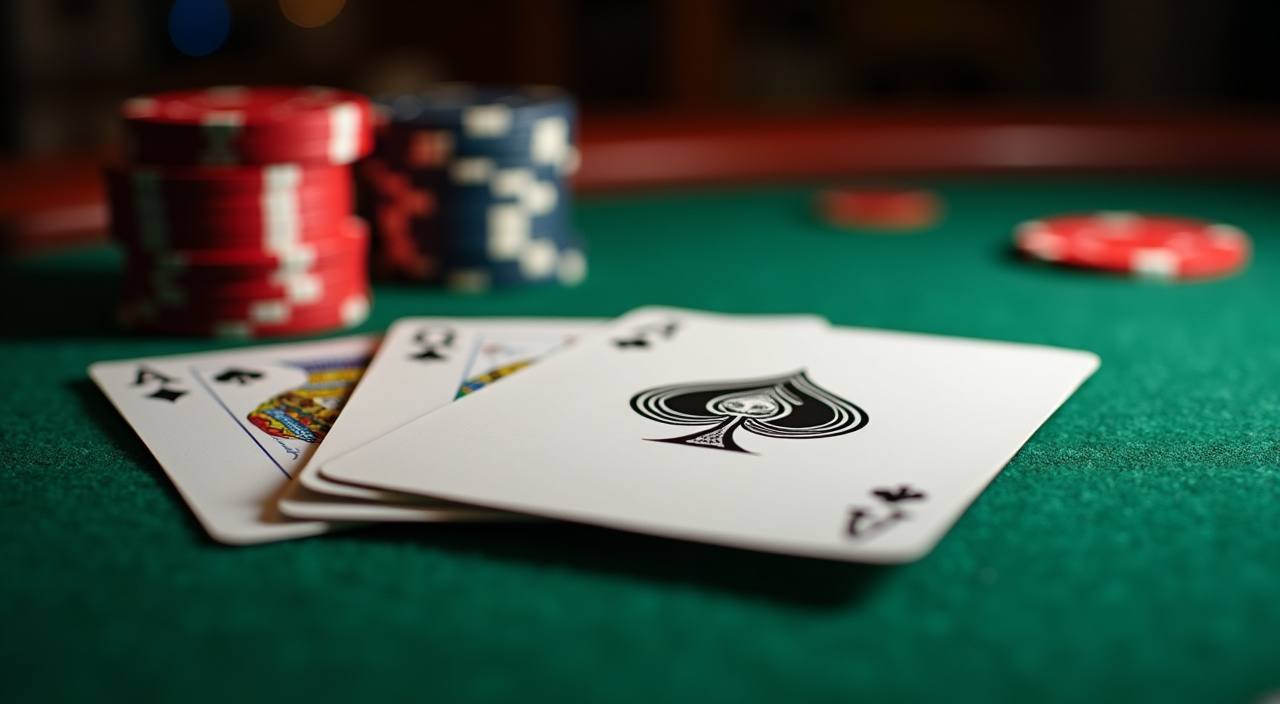
New accounts can access a welcome offer on their first live casino deposit — check the promotions page for the current terms and eligible tables. Terms apply.
Open Your Account
Open a new account and see what's available on your first sports deposit — cricket and football markets included. Terms apply.
Open Your AccountHow Your Account and Data Stay Secure
Security on xx600 runs across four layers that work together. Your connection is covered by SSL encryption from the moment you land on the site, keeping traffic between your device and our servers private. Login uses OTP verification — a one-time code sent to your registered mobile number — so access requires something only you physically hold. Every deposit and withdrawal generates a transaction record visible in your account history, giving you a clear receipt trail for every move. Your personal and payment data is stored in accordance with our privacy policy; wallet details are never exposed to other parties and access is restricted to the account holder.
A Lobby Built Around What You Actually Play
Bank Transfer Instant
Baccarat Viproom
Cricket Livebets
Roulette Spinners
Getting Your Account Running
Opening an account takes a few minutes. Fill in your details, pick a username and verify your mobile number with the OTP sent to your phone. Once you're in, the lobby is right there — slots, live tables and sports all on the same screen. Not sure where a game is? Use the search bar at the top of the lobby to find it by name. If anything stalls during setup, our support team is reachable via live chat from the account screen.
What's Running This Week



From Account to Lobby in Five Steps
Register
Fill in your details, choose a username and verify your mobile number with the OTP sent to your phone.
Deposit
Open your bKash, Nagad or Rocket app, send to the merchant number on the deposit screen and confirm with your PIN.
Choose a Game
Browse the lobby tabs — Live Casino, Slots, Crash or Sports — or use the search bar to find a specific title like Aviator or Teen Patti Royale.
Play
Start your session directly in the browser or app — no extra plugins or software needed on Android or iOS.
Withdraw
Request a withdrawal from the account area, verify your identity if prompted, and the amount routes back to your registered wallet.
The Full Lobby on Any Device You Have
The lobby scales to your screen without losing any functionality. On Android and iOS, the mobile browser version loads live casino tables, slots and the sportsbook just as they appear on desktop — no features cut, no separate download required unless you prefer the app. Players in Dhaka and Chittagong use the mobile version most, switching between bKash deposits and the live tables without breaking the session. If you want the installed app experience, it's available for Android via direct download from our site and for iOS through the App Store. Tap the mobile icon in the account menu to find the download link.

Deposits via bKash, Nagad and Rocket
To fund your account, open your bKash, Nagad or Rocket app, send to the merchant number shown on the deposit screen, and confirm with your PIN. The transaction reference appears in your account wallet within moments of confirmation. Withdrawals follow the same wallet path — request a withdrawal, verify your identity if prompted, and the amount routes back to the same wallet you deposited from. Bank Transfer is also available for larger amounts. Availability depends on your region and local regulations.
bKash
Nagad
Rocket
Bank Transfer
Platform at a glance
| Game providers | Pragmatic Play, Evolution, PG Soft, CQ9 |
|---|---|
| Game categories | Live Casino, Slots, Sportsbook |
| Accepted currency | BDT |
| Payment methods | bKash, Nagad, Rocket, Upay, Bank Transfer |
| Mobile access | Phone, tablet and desktop browser |
| Customer support | Live chat and email |
Frequently Asked Questions
Real questions from people exploring the lobby for the first time — with straight answers about how things work at xx600.
How to Find What You Want Inside xx600
The lobby is split into clearly labelled tabs at the top of the screen: Live Casino, Slots, Table Games, Crash and Sports. Tap or click the tab that matches what you want — the section loads immediately without a full page refresh. To find a specific game like Teen Patti Royale or Slot Clash, use the search bar at the top of any section; type a few letters and the matching titles appear. The account area — where you find your wallet balance, transaction history and withdrawal requests — is behind the account icon in the top right corner.
Switch Between Sections
Use the tab row at the top of the lobby. Moving from Live Casino to Slots to Sports takes one tap — your session stays active and your wallet balance stays visible throughout.
Find a Specific Game
The search bar at the top of each section scans all titles in that category. Search 'Aviator' in Crash or 'Teen Patti' in Table Games and the result appears in under a second.
Reach Your Account Area
The account icon in the top right opens your wallet balance, deposit history, active bonuses and withdrawal queue. From here you can also update your registered mobile number.
Cricket Betting Path
Sports betting — including BPL and international cricket markets — sits in the Sports tab. Select Cricket from the sport filter, then browse available matches and markets from there.